Go deeper on every feature
See exactly how FamilyBridge handles each step of supervised visitation work — with real screen recordings on both desktop and mobile.
Prefer to watch one case move start to finish? Take the guided tour
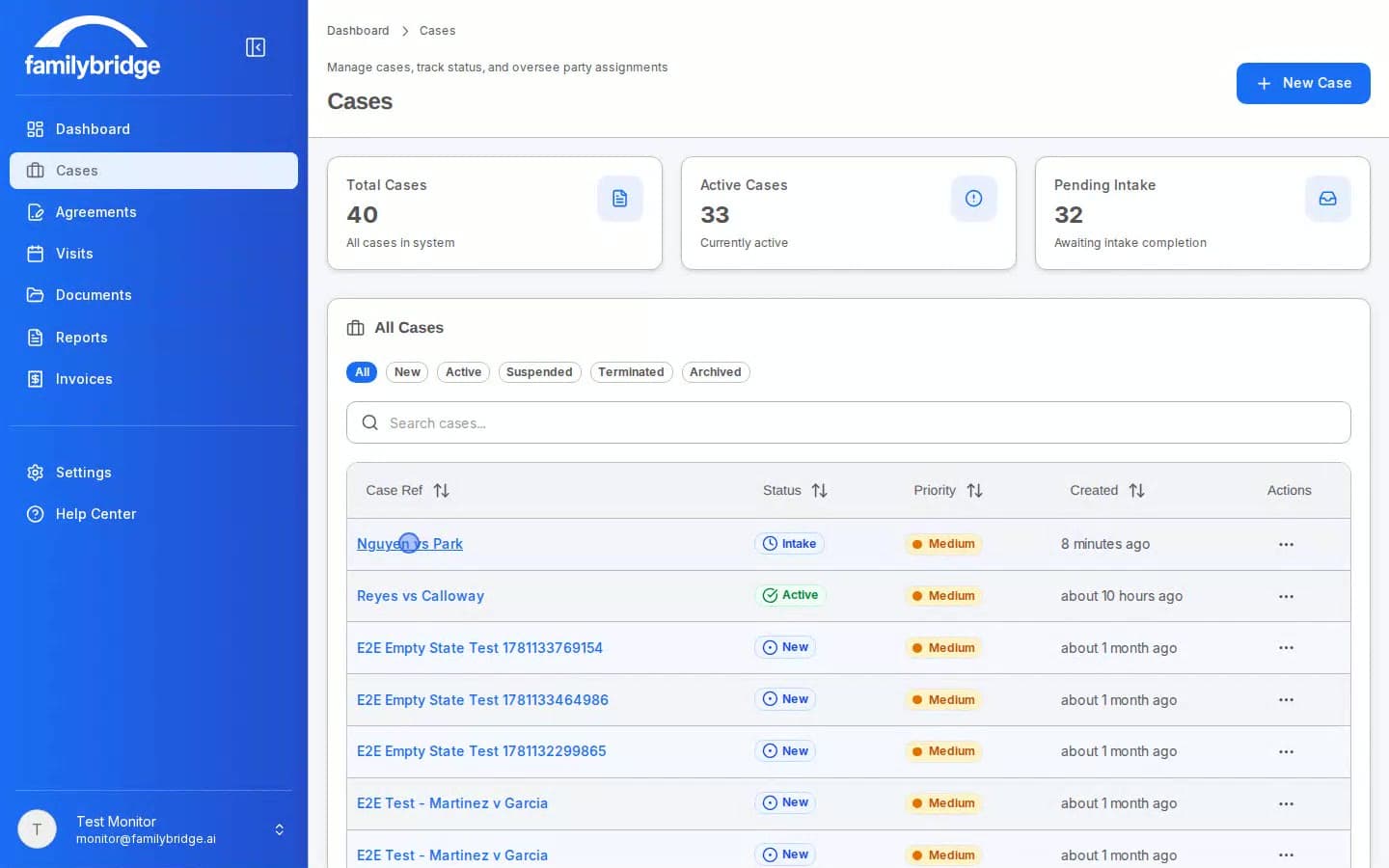
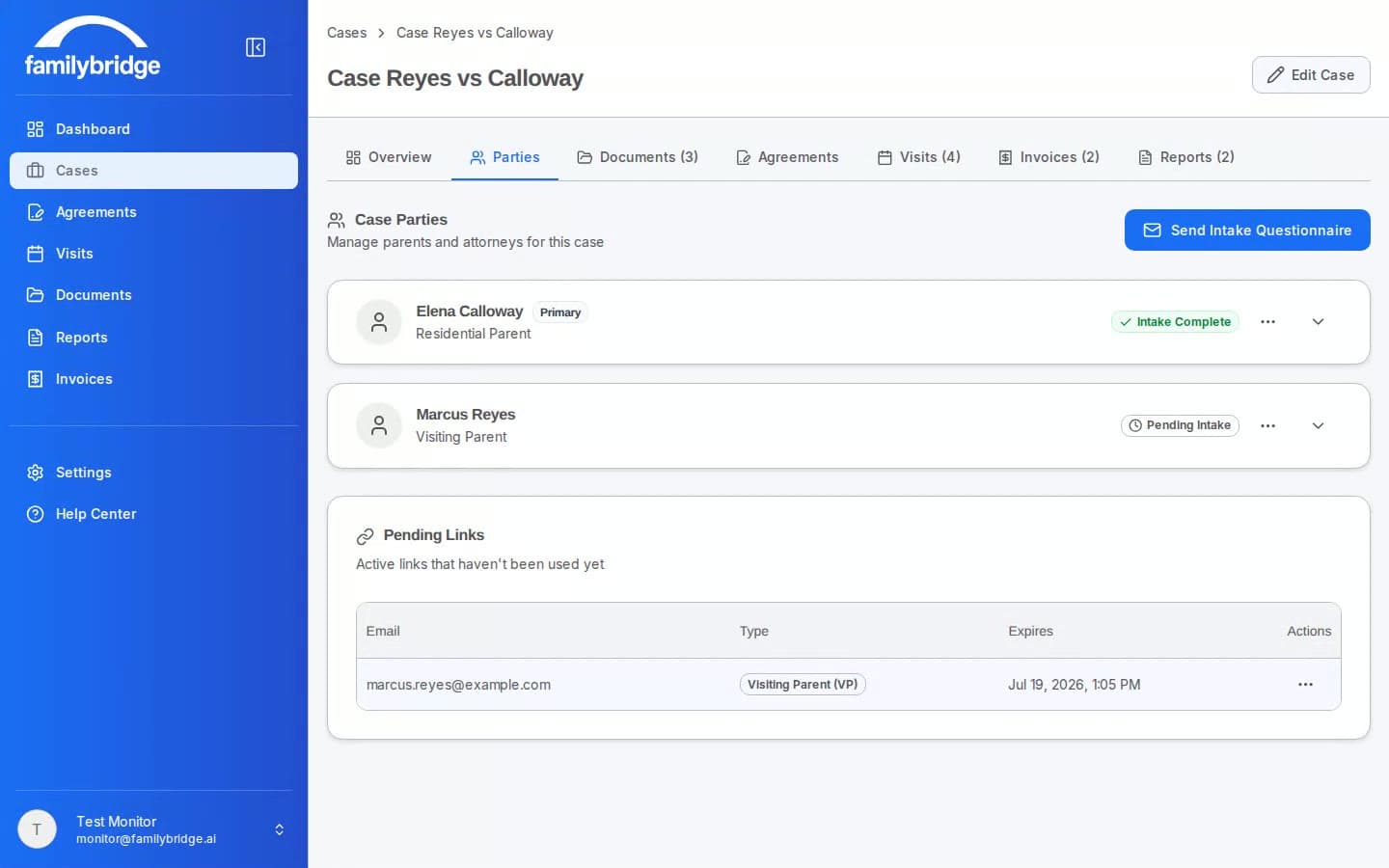
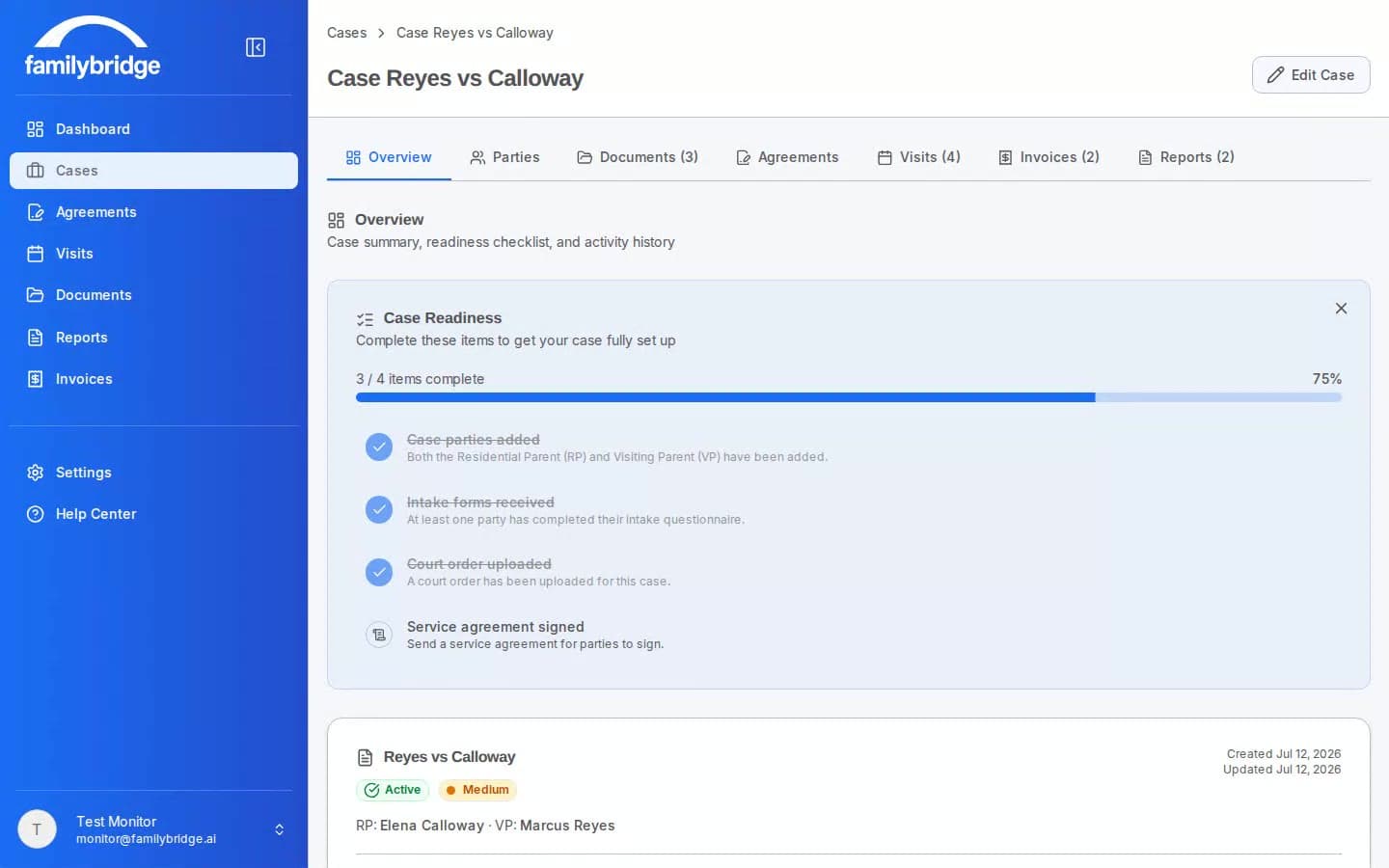
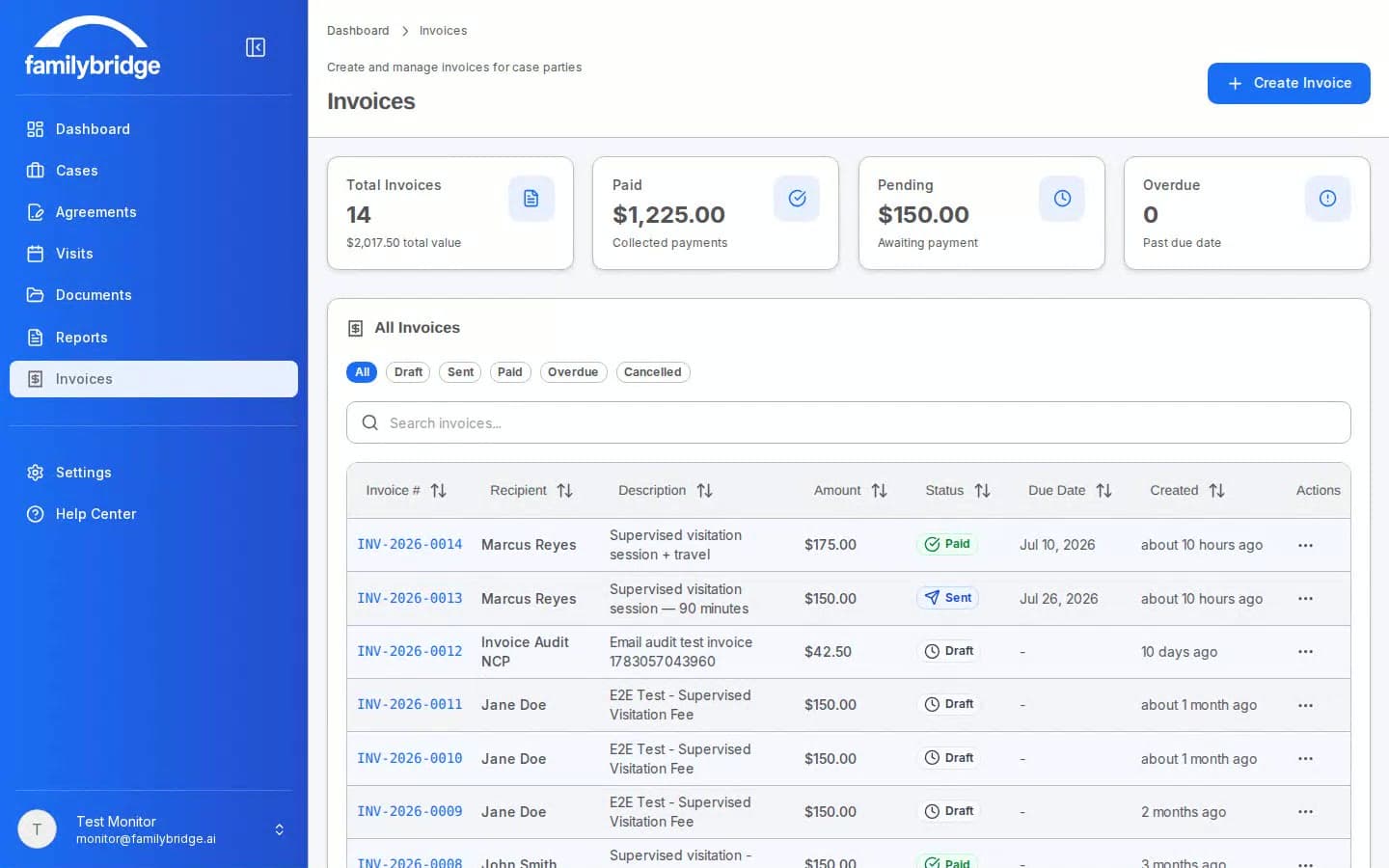
How FamilyBridge fits the way a monitor actually works
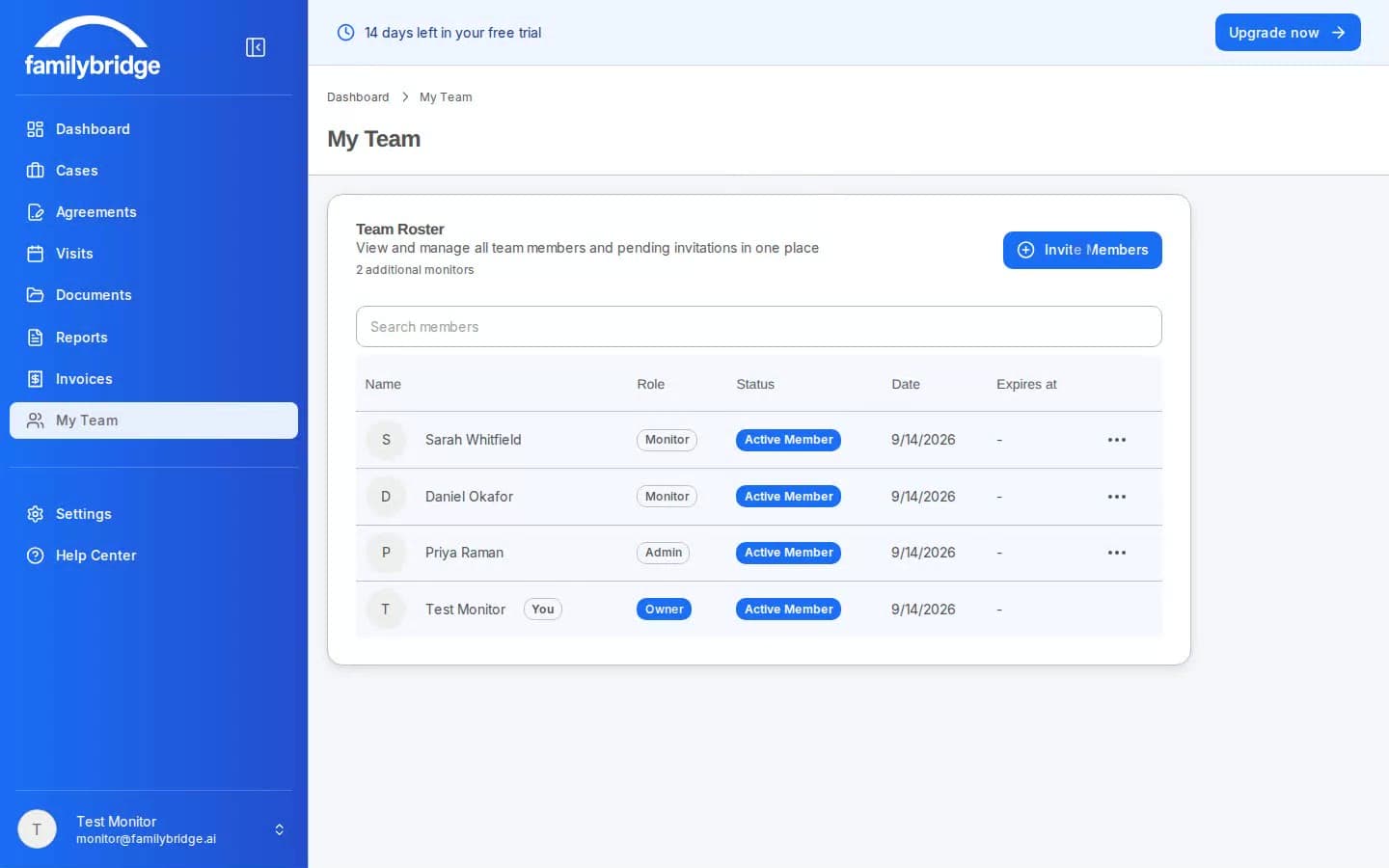
Supervised visitation monitors don’t need ten disconnected tools — they need one place where a case moves from referral to court-ready record without anything falling through the cracks. FamilyBridge is supervised visitation software built around that single throughline, by a working monitor, so every feature assumes the realities of the job: field visits, court deadlines, and parties who never log in.
A case usually starts with intake. Instead of paper packets, you email each parent a secure link; they complete contact details, custody information, and safety concerns from their phone, and their answers land directly on the case file — no retyping. From there you send a service agreement for electronic signature: your terms — fees, cancellation policy, rescheduling, and the scope of your testimony — entered once as a reusable template, then signed with identity verification and a tamper-evident audit trail.
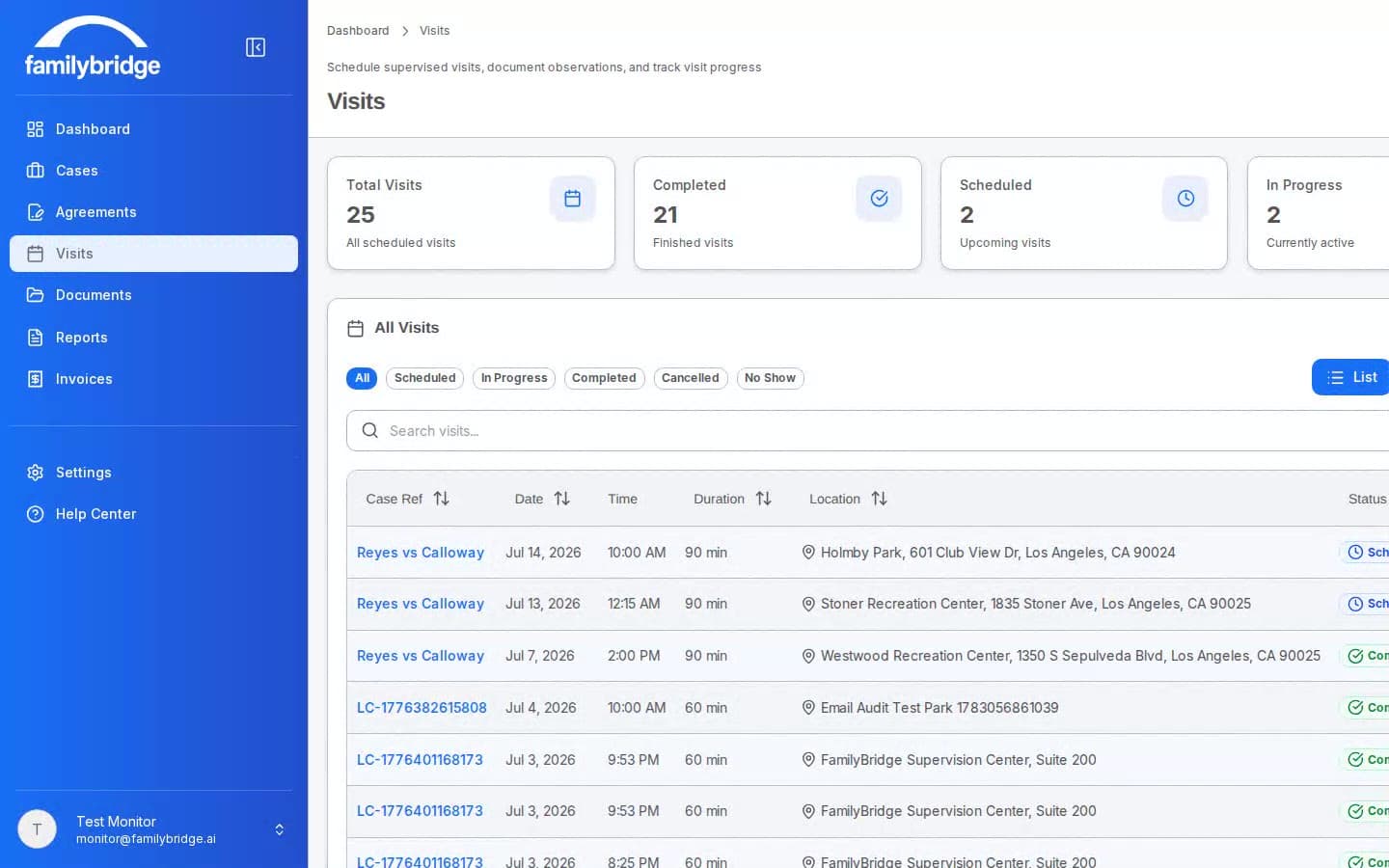
Then the actual work: scheduling and visits. Most orders repeat — every other Saturday, an hour at a time — so you set the pattern once and the visits materialize on a rolling basis, each parent receiving their own arrival instructions by email. During the visit you take real-time, timestamped notes from your phone, sorted into the categories a court expects. Notes save to the device first and are sent when the app is open with signal, so for visits already saved on your phone, you can keep taking them through a dead zone in a park or a basement.
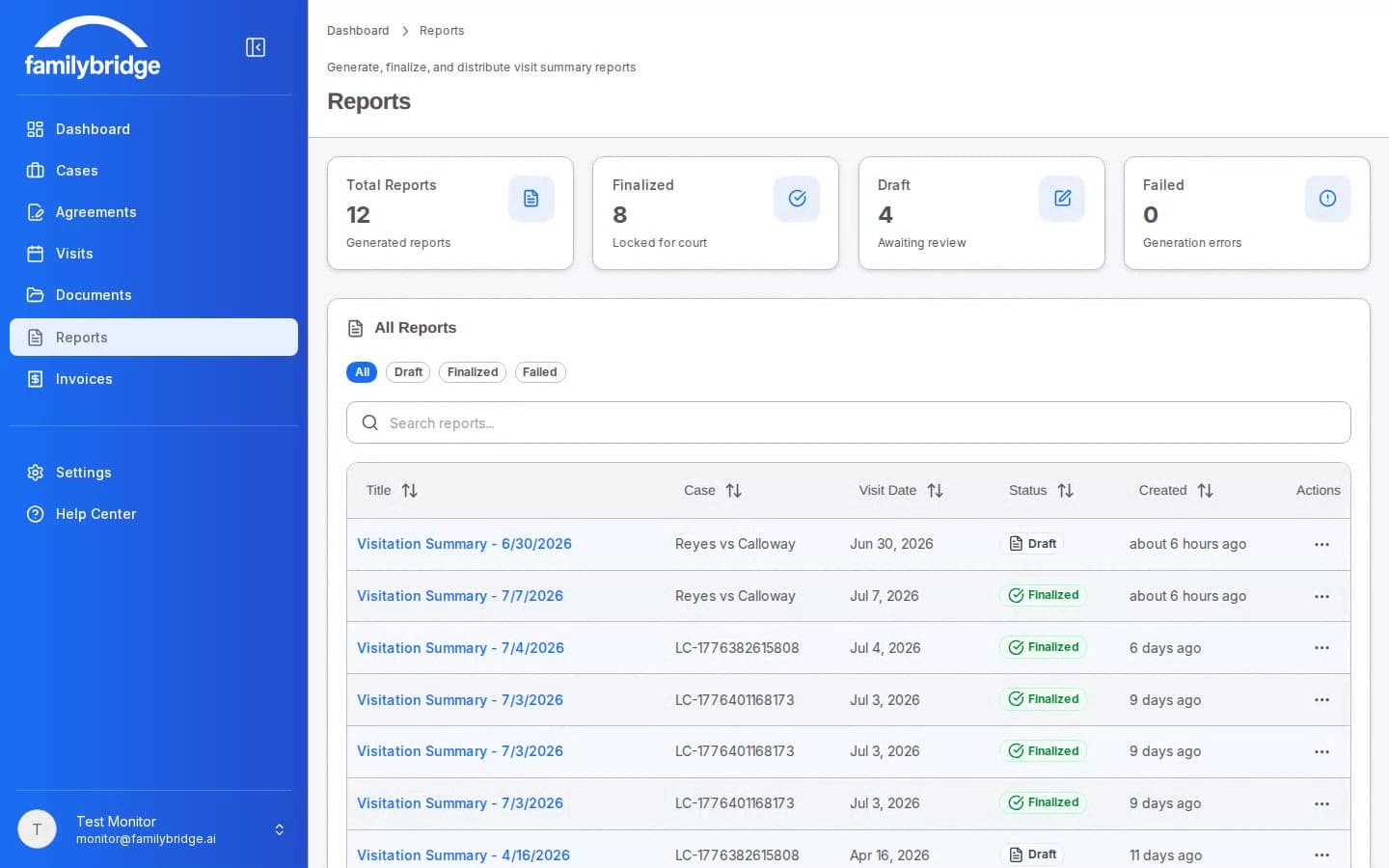
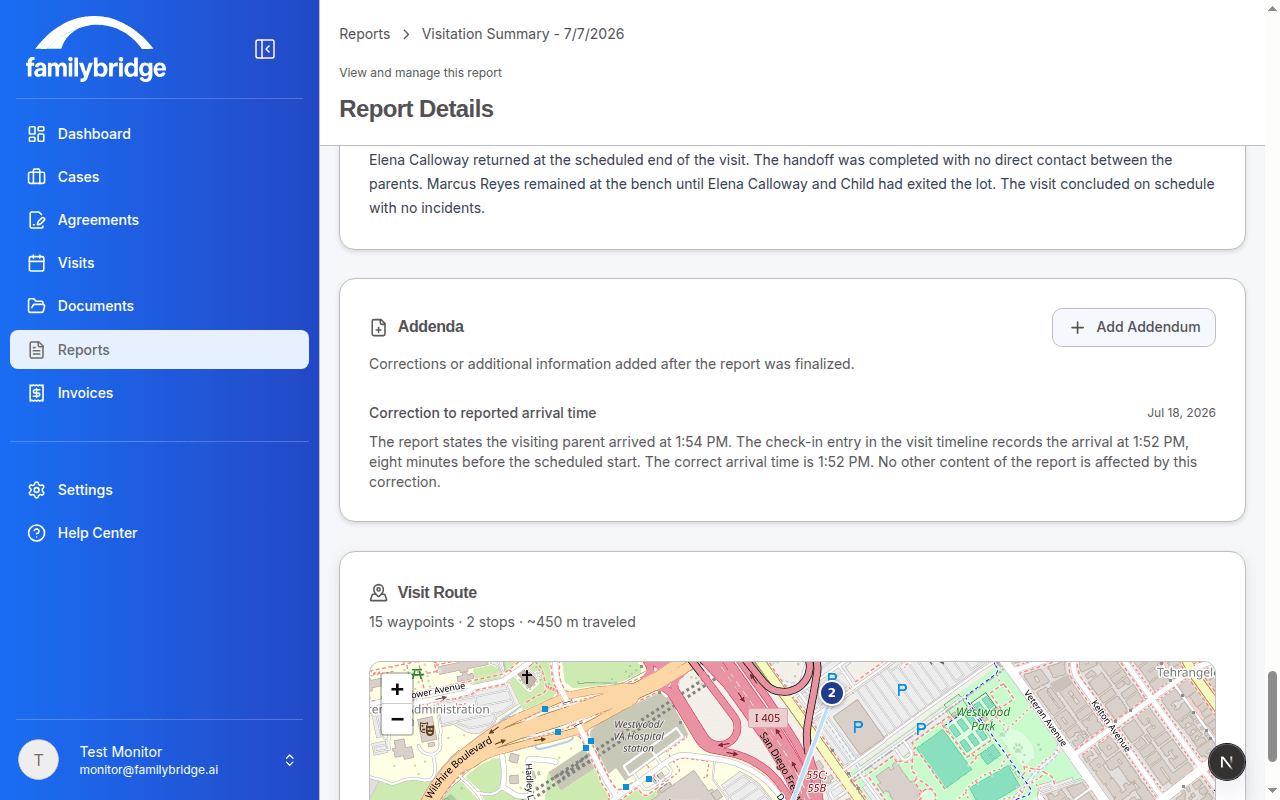
After the visit, those notes become a court report. The AI drafts from your structured notes in about a minute; you review, edit, and finalize, so you remain the author of record. Identifying information is stripped before anything reaches the AI, every draft is screened for opinion or recommendation language and flagged for your review, and once you finalize, the report locks — corrections happen as dated addenda, never silent edits.
Finally, invoicing. Send an invoice by email, and the parent pays online through Stripe, straight to your bank account. Everything — the intake, the agreement, the visits, the report, the invoice — lives on the one case it belongs to, with a timestamped history you can export whenever a records request arrives.
That’s the whole loop: visitation monitor case management that starts at the referral and ends with a defensible court record, on $99/month with every feature included and one monitor covered. If you’re evaluating supervised visitation report software, the fastest way to judge it is to run a real case through it — the free trial gives you the full platform for 14 days.
Design decisions that run through everything
Parents never need accounts
Intake, signing, paying, and report viewing all happen through secure emailed links — no passwords for anyone but you.
Built for the field, signal or not
Notes and photos save to your device first and are sent when the app is open with signal. A dead zone doesn’t stop you taking notes for visits already saved on your phone.
Privacy before AI
Names and locations are stripped before anything reaches the AI, and restored only in your draft.
Enter data once
Intake answers flow into agreements, visits, invoices, and reports automatically. No retyping.
Try every one of them, free
14 days, full platform, no credit card required.